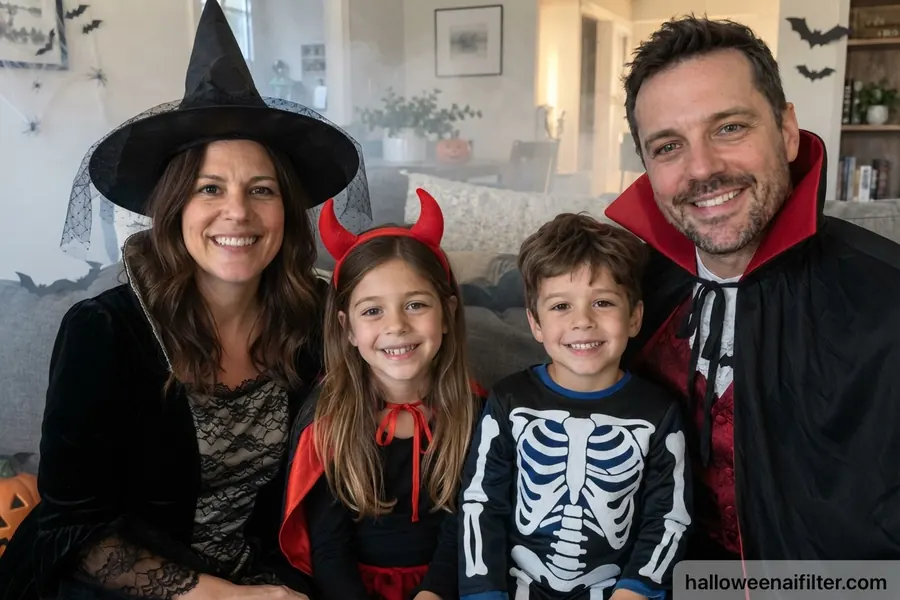
Family Halloween costumes
A witch, a vampire, a little devil and a skeleton. See your family costume plan on a real photo of all of you, kids included.
 Halloween AI Filter
Get the app →
Halloween AI Filter
Get the app →

Not sure what to be for Halloween? Pick a photo and see yourself, your friends or your whole family as a vampire, witch, skeleton and more in seconds.

Free to try on iPhone. No sign-up needed.
 Before
After
Before
After
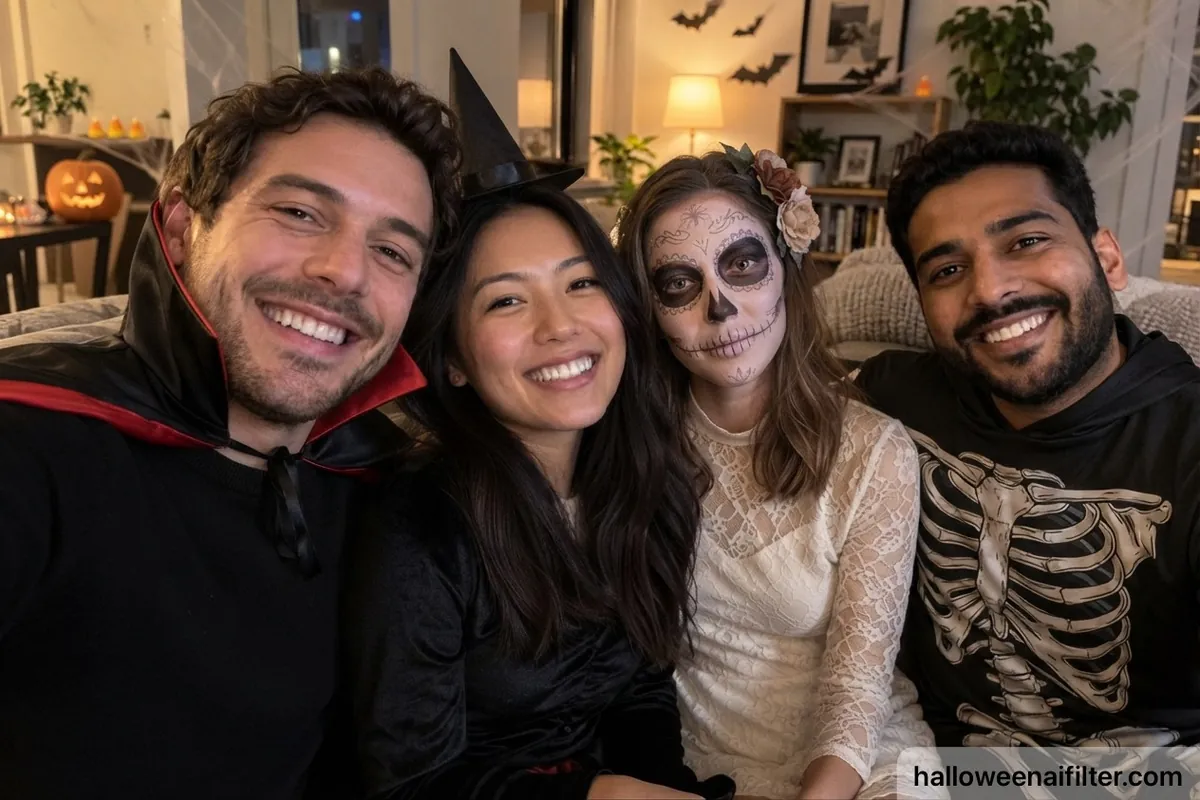
Drag to compare: one photo, four friends, four different costumes. Made with the app.
The best Halloween photos have everyone in them. Upload one photo and the app gives each person their own costume, so you can test a group theme before anyone buys a thing.
A witch, a vampire, a little devil and a skeleton. See your family costume plan on a real photo of all of you, kids included.
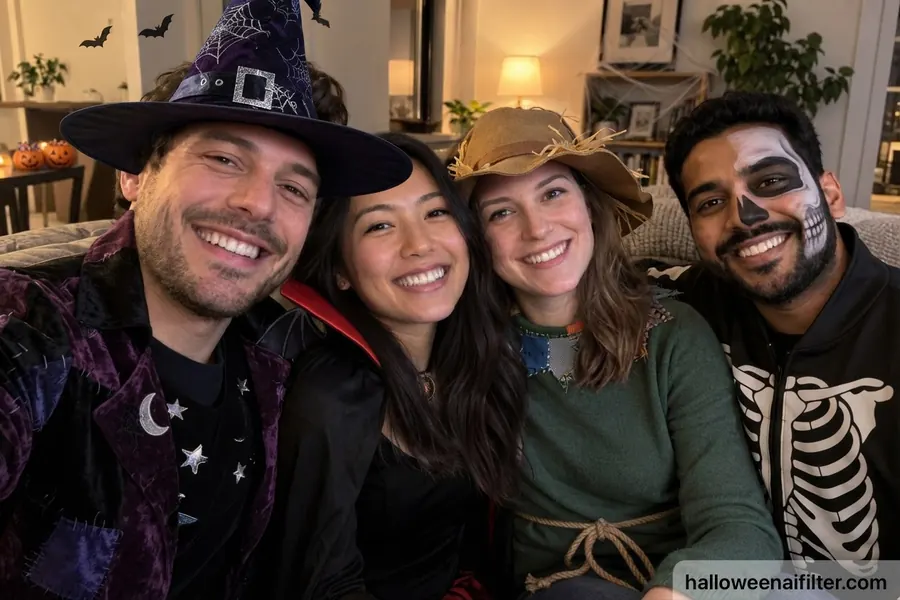
A wizard, a witch, a scarecrow and a skeleton. Everyone in the photo gets a different look, ready for the group chat.
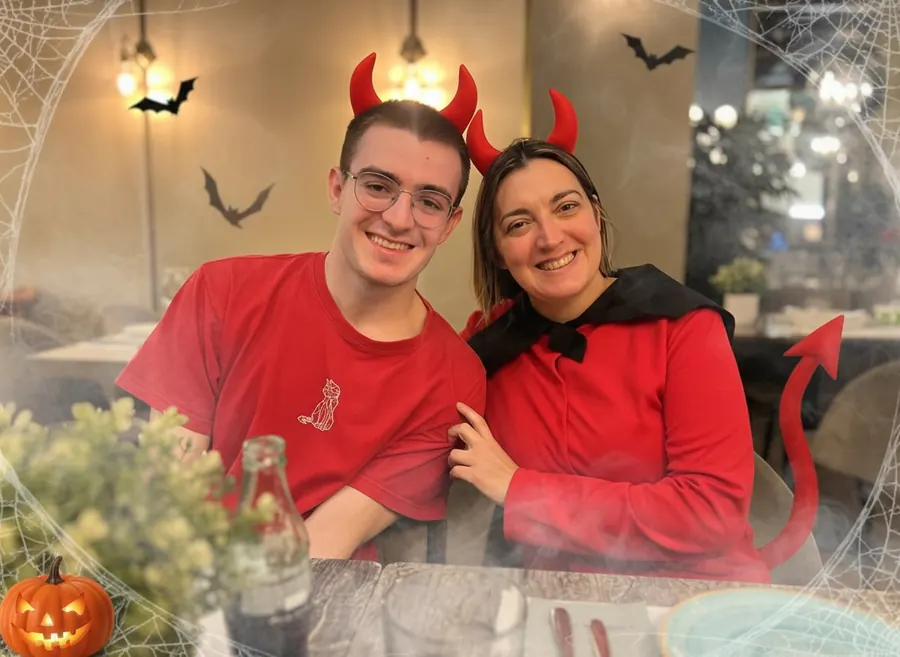
Matching devils, a vampire and a witch, or two ghosts. Try a couples theme in seconds before the party.
From classic vampires and witches to pirates and mad scientists: try a few on your own photo before you buy or make one. The costume is added to your real photo, so the result still looks like you.
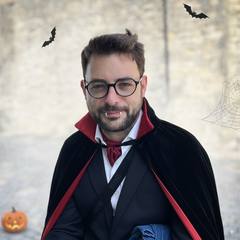 Vampire
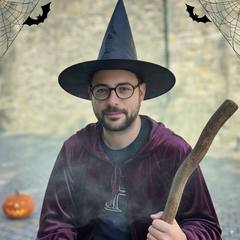 Witch
Witch Skeleton
 Ghost
Ghost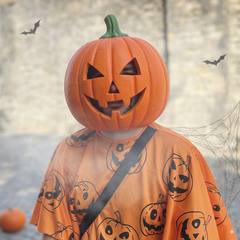 Pumpkin
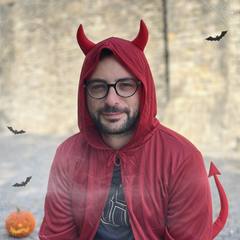 Devil
Devil Black Cat
 Scarecrow
 Pirate
 Wizard
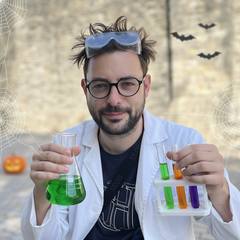 Mad Scientist
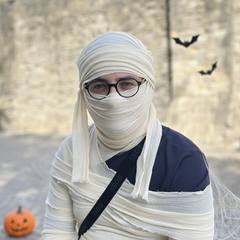 Mummy
Mummy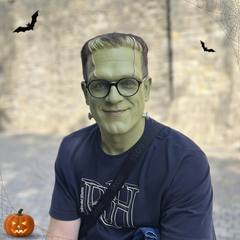 Monster
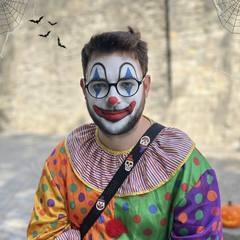 Clown
ClownGo beyond the costume: put yourself under a full moon, in a cemetery or inside a haunted house, and choose the style of your photo.
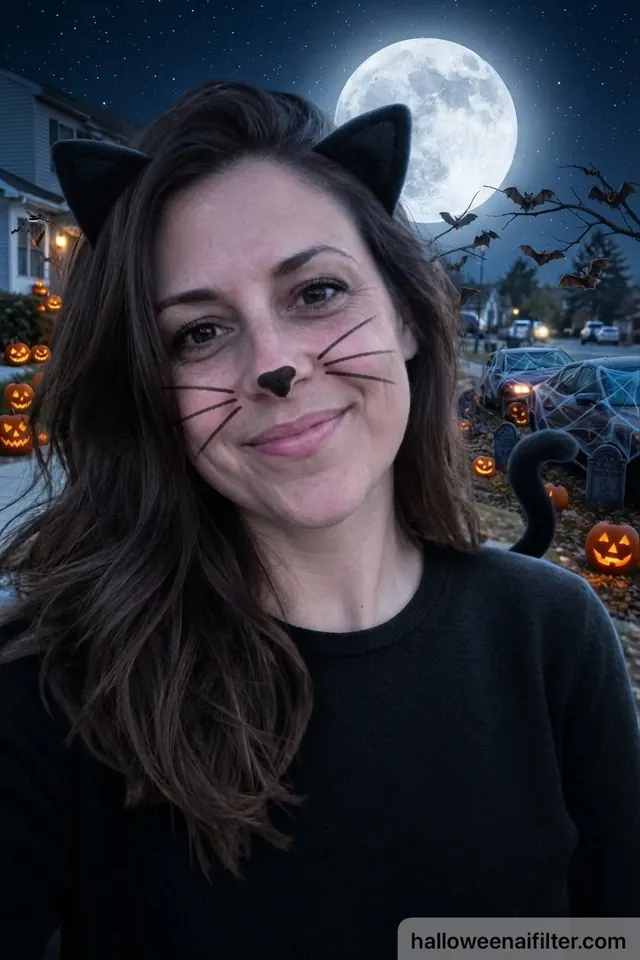
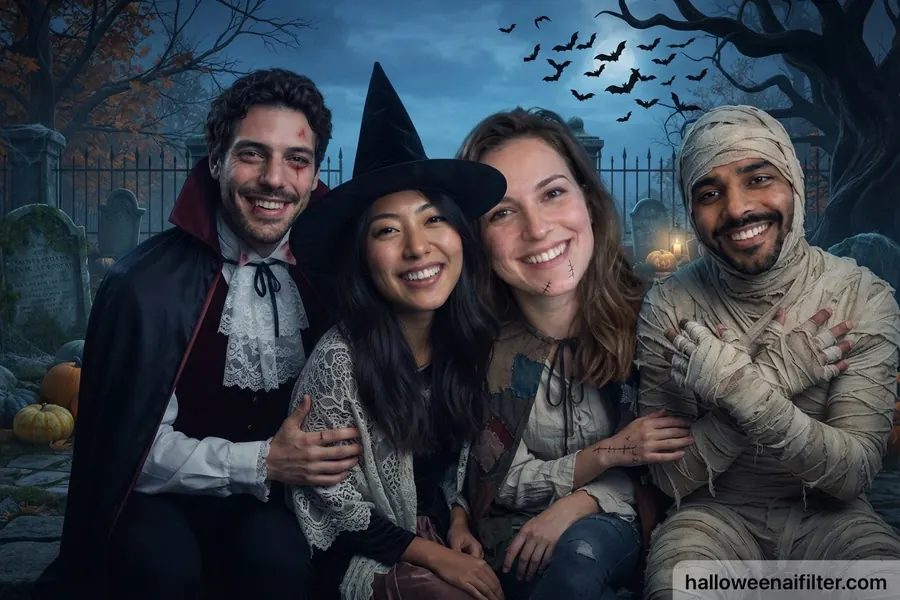
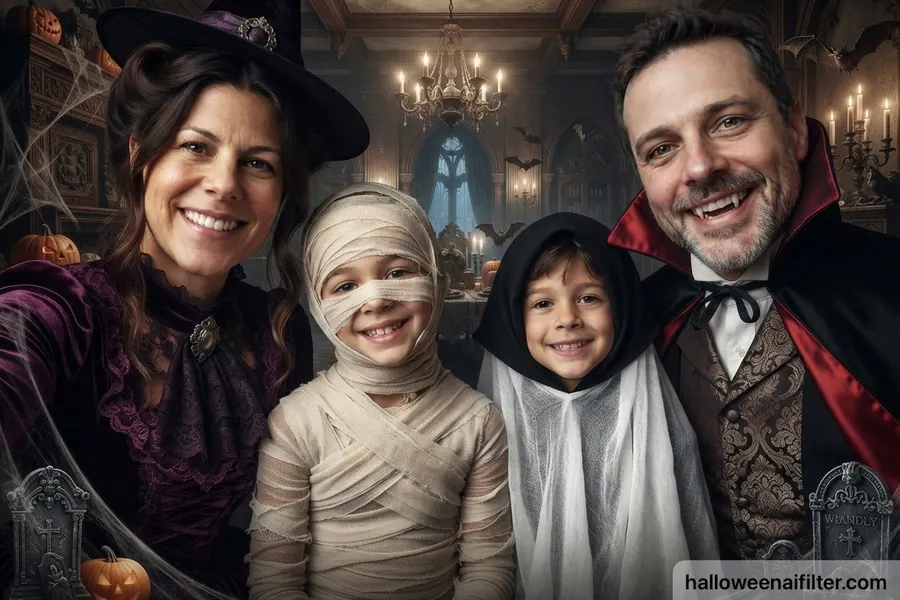
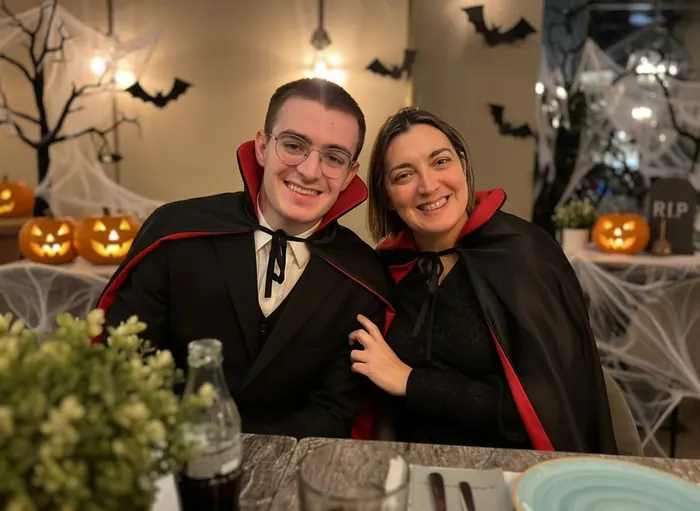
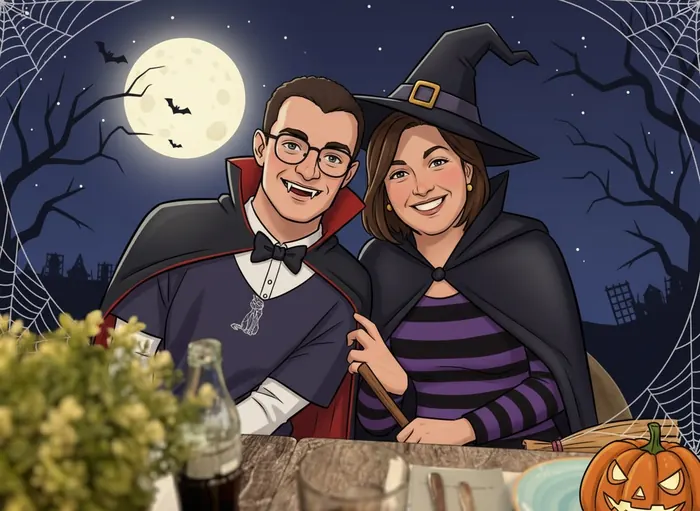
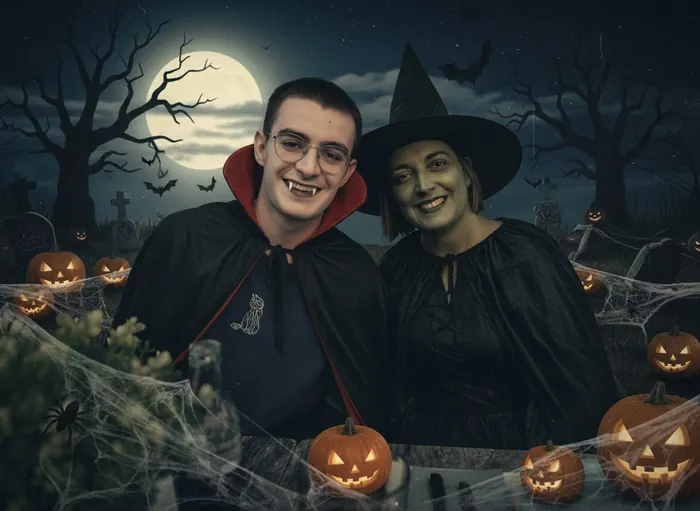
A selfie, a couple or a group photo from your camera roll, or take a new one.
A costume, a spooky scene, an art style and decorations.
Save your Halloween photo or send it to friends in one tap.
You can try it for free: 3 Halloween photos every 7 days, with the costume picked for you. Halloween AI Filter Pro unlocks all 14 costumes, scenes, styles and decorations. Pro is an auto-renewing subscription that you can cancel anytime in your iPhone settings.
Try a few ideas on your own photo first. With 14 costumes, 6 spooky scenes and 5 art styles you can compare looks in seconds and pick your favorite before you buy or make a costume.
Yes. Use a photo with several people and the app dresses everyone up in the same picture, each with their own costume. It works for couples, groups of friends and families with kids.
Your photo is sent securely to our AI provider only to create your image. We don't keep your photos and you don't need an account. Your Halloween photos are saved on your phone. Read our Privacy Policy for details.
Not yet. Halloween AI Filter is available for iPhone on the App Store.
Free to try on iPhone. No sign-up needed.